A clearer royalty accounting workflow for music publishers
Reconcile supported society income, review account allocations and prepare pending royalty statements with a clear source trail and processing costs shown upfront.
By Roster · Published
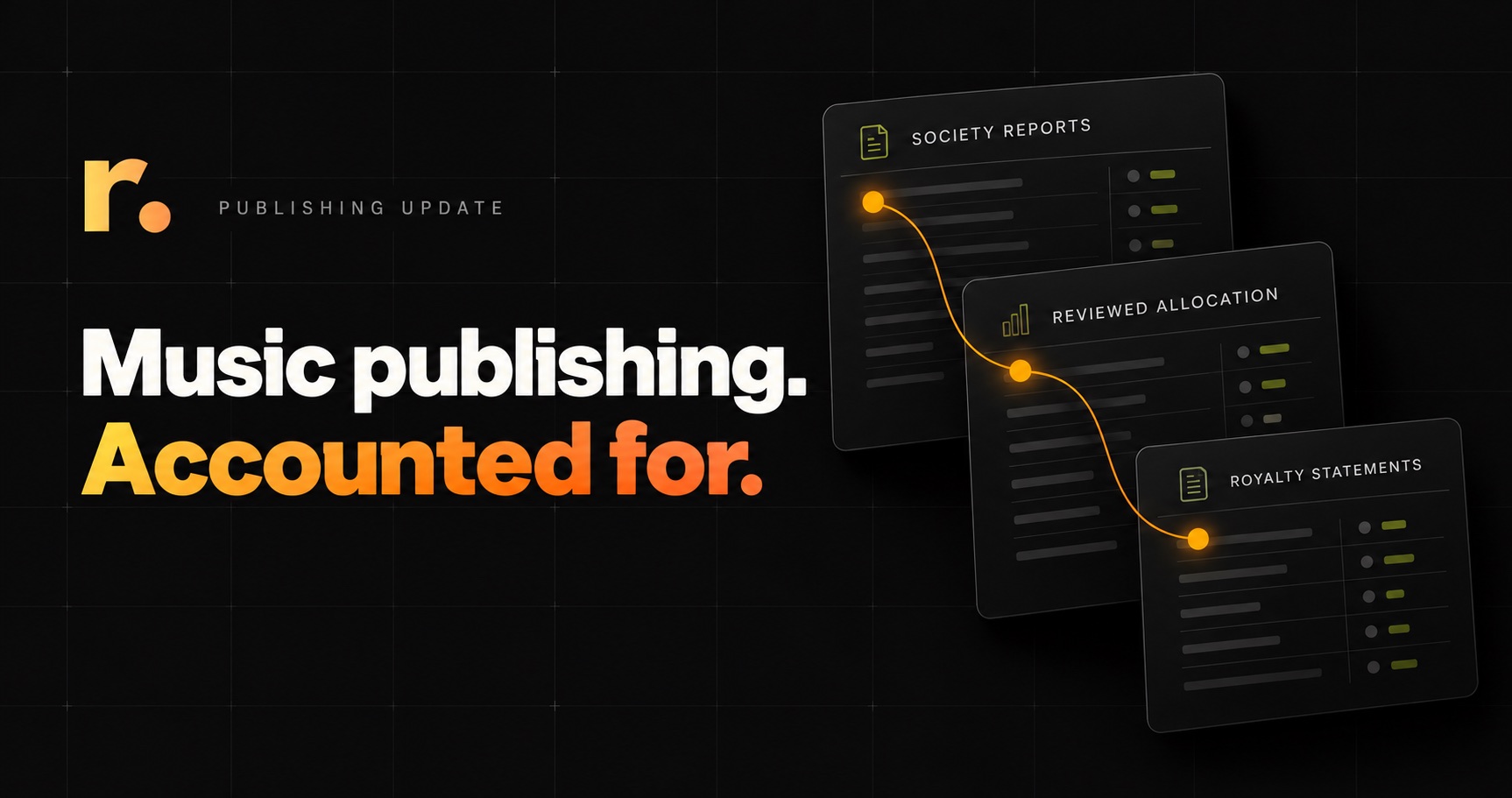
A royalty report tells you what a society has accounted to you. Preparing your own statements means checking that income, reviewing allocations against your agreements and keeping a clear record of how each allocation was made.
Roster’s latest publishing update connects that process across supported society sources: inspect the income, save the evidence, review managed-account allocations and create pending royalty statements. You can review the source for free and see an estimate of additional processing costs before confirming draft creation.
For independent publishers and publishing administrators, the useful change is a consistent review to work from. The source figures, allocation decisions and resulting drafts stay connected, so you can explain an accounting run as well as complete it.
Keep works, agreements and accounting in view
The update builds on Roster’s existing publishing workspace. Work records hold writer names, shares and identifiers such as IPI and ISWC. Agreement and split-sheet records are available with the relevant feature access, and the statement workflow lets you preview documents and download PDFs for review.
The new society intake adds a reviewed route from source income to pending statements. Your team still checks the allocation against its agreements: importing a report does not automatically match catalogue records or apply contract terms. Statement breakdowns, including platforms and territories, depend on the detail available in the source.
Know which amount you’re accounting for
Source earnings, collection deductions and the amount received can appear in different reports. Before allocating income, you need to establish the reviewed net amount and understand any supported fees or rounding adjustments.
This is a wider reporting issue. CMRRA’s statement guide explains how summary reports help balance statements with payments and applicable commissions. It also distinguishes work-level consolidated data from more detailed transaction files.
Roster preserves the supported source’s financial basis and checks any payment evidence required by that source. Where a society already reports allocated earnings, source ownership percentages and collection commission are not applied a second time. Source currency, reporting periods and historical usage dates remain part of the review.
For example, an ownership percentage beside an already allocated earnings figure is source context. It is not an instruction to reduce that figure again. Keeping those values intact gives you a clear starting point for your own accounting.
Review allocations before they become statements
The society’s distribution and your agreements answer different accounting questions. A source name or reported share does not automatically establish what you owe each account you manage.
In Roster’s saved intake, you select existing active accounts in your workspace and enter the amounts to allocate against your agreements. The allocations must match each reviewed work’s net earnings and reconcile in total to the received net amount before drafts are created.
That makes the decision visible: the source shows the income; the saved allocation records how you chose to account for it. Different rights holders retain distinct source identities, and source records without work identifiers remain distinct rather than being silently merged by title.
The outputs are pending statements for review. Approval, notifications and royalty payment remain separate steps under your team’s control.
Review free. Know the processing cost upfront.
Roster’s default workspace has a $0 fixed base fee, no artist-count cap and no percentage of royalty income. Processing beyond included allowances is usage based; optional feature plans and existing paid agreements remain separate.
For this workflow, source inspection, saving the evidence and reviewing allocations are free. Before draft creation, Roster checks your current workspace terms and allowances, shows an estimate of additional processing cost and asks you to confirm.
You can check whether a supported report reconciles and decide how to allocate it before committing to processing. Review the current rates and included allowances when planning your next run. A payment card is required for additional usage.
Keep a source trail you can return to
A useful accounting record needs more than a final total. Roster retains source evidence alongside the saved review, including original Abramus documents and their filenames. The level of detail remains clear: a category summary stays a summary, while work-level evidence remains identifiable as work detail.
Accepted equivalent source copies reopen the existing distribution. Financially different versions are flagged for review. For Abramus packets containing both publishing and performer or recording income, the categories produce separate statement types even when allocated to the same managed account.
If draft creation is interrupted, the reviewed plan remains available for the run to resume and recover completed drafts. Processing usage is captured once after all planned drafts exist. That gives the operator a consistent record to return to when a run needs attention.
What’s new, and which reports are supported?
The recent CSV rollout brought supported CMRRA, SOCAN, IMRO and AllTrack reports into the saved review, allocation and pending-draft workflow. The latest document update extends that path to supported original Abramus reports. These are reusable source-import workflows within Roster’s publishing accounting process.
- CMRRA: recognised income and payment-summary CSVs.
- SOCAN, IMRO and AllTrack: recognised CSV exports for a supported holder and reporting run.
- Abramus: supported original domestic, international and payment reports selected together, as PDFs or PDF-only ZIPs.
Supported society intake and reviewed draft creation are available to workspace owners. Scanned or unsupported files, source conflicts, active recoupment, nonzero tax and unsupported adjustments need assisted review. Advanced multiparty statements, territorial splits and party adjustments remain in preview.
A practical starting point for your next run
- 1Choose a supported source. Bring the required report files into review.
- 2Establish the accounting amount. Check the holder, period, currency, earnings and required payment evidence.
- 3Confirm your allocations. Review managed-account amounts against your agreements.
- 4Check the processing estimate. Confirm any additional usage cost before creating drafts.
- 5Review the pending statements. Inspect the outputs before continuing through your approval process.
Does this replace a collecting society?
You upload supported reports supplied by your society. This update does not add society API connections, submit work registrations or collect royalties on your behalf. Roster helps you review and account for the reported income.
Are writer splits applied automatically?
This intake workflow uses explicit managed-account allocations that you review against your agreements. It does not infer payment terms from source names or ownership percentages. Review and draft creation remain separate from approval and payment.
Explore the publishing workflow and supported scope, or start a publishing workspace and inspect a supported report before deciding to process it.
Ready to get started?
Put this into practice with RosterRoyalties
Explore the supported workflows and access details in Roster. Start a usage-based workspace and see how it works with your own data.